

Revive Windows Live Messenger with A Patch
A Patch offers a way to restore the classic Windows Live Messenger 8.5 experience on modern Windows systems. Designed for users who prefer the familiar interface and functionality of the original messaging client, it enables continued use of the platform even after Microsoft’s official discontinuation. This tool is ideal for individuals who value nostalgia, simplicity, and seamless communication with existing contacts.
The software supports Windows 7 through Windows 11, making it accessible across multiple generations of the operating system. While Microsoft has transitioned users to Skype, A Patch provides a bridge for those who wish to retain the original Messenger environment without relying on newer platforms. It is particularly useful for users with established contact lists or those who find modern messaging apps too complex.
The tool does not introduce new features but focuses on compatibility and usability, ensuring the core messaging experience remains intact. It is especially suited for casual users, older professionals, and anyone seeking a lightweight, no-frills chat solution.
Key Features & Capabilities
- Restores Windows Live Messenger 8.5 Interface – Reinstates the original look and feel of the classic messaging client, preserving familiar layout, icons, and navigation for users accustomed to the older design.
- Compatibility with Modern Windows Versions – Enables the use of Windows Live Messenger on Windows 7, 8, 10, and 11, despite Microsoft’s official discontinuation of support.
- Preserves Contact Lists and History – Maintains existing contact information and chat history, allowing users to continue conversations without data loss.
- Lightweight and Fast – With a file size of 3.2 MB, the application is compact and efficient, minimizing system resource usage during operation.
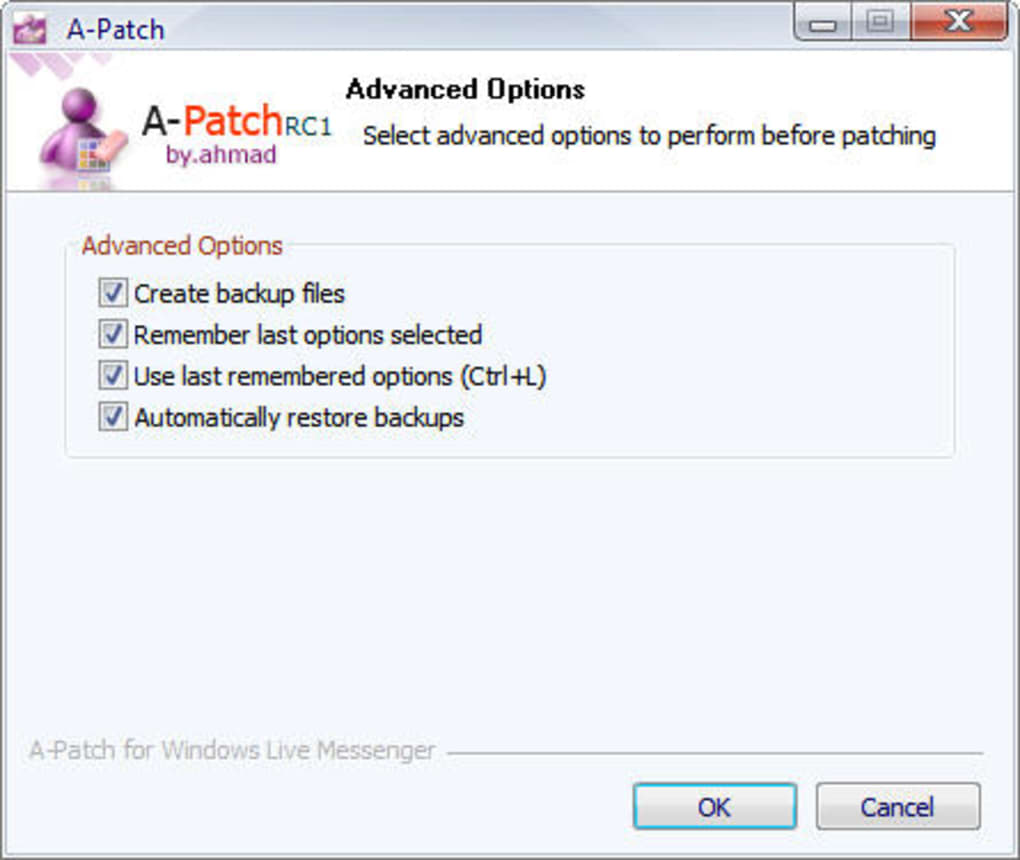
- Simple Installation and Use – Designed for ease of deployment, requiring minimal setup steps to begin using the patched version of Messenger.
These capabilities allow users to continue using a trusted communication tool without migrating to alternative platforms. For example, individuals managing personal or small business communications may find the straightforward interface more intuitive than modern alternatives. The patch supports real-time messaging, file sharing, and basic presence indicators, maintaining core functionality.
It is particularly beneficial for users who have not adopted newer messaging ecosystems and prefer a stable, predictable experience. The tool does not alter the underlying protocol but ensures the client runs on updated systems. This makes it a practical choice for those who want to avoid the learning curve associated with new platforms.
User Interface, Workflow & Performance
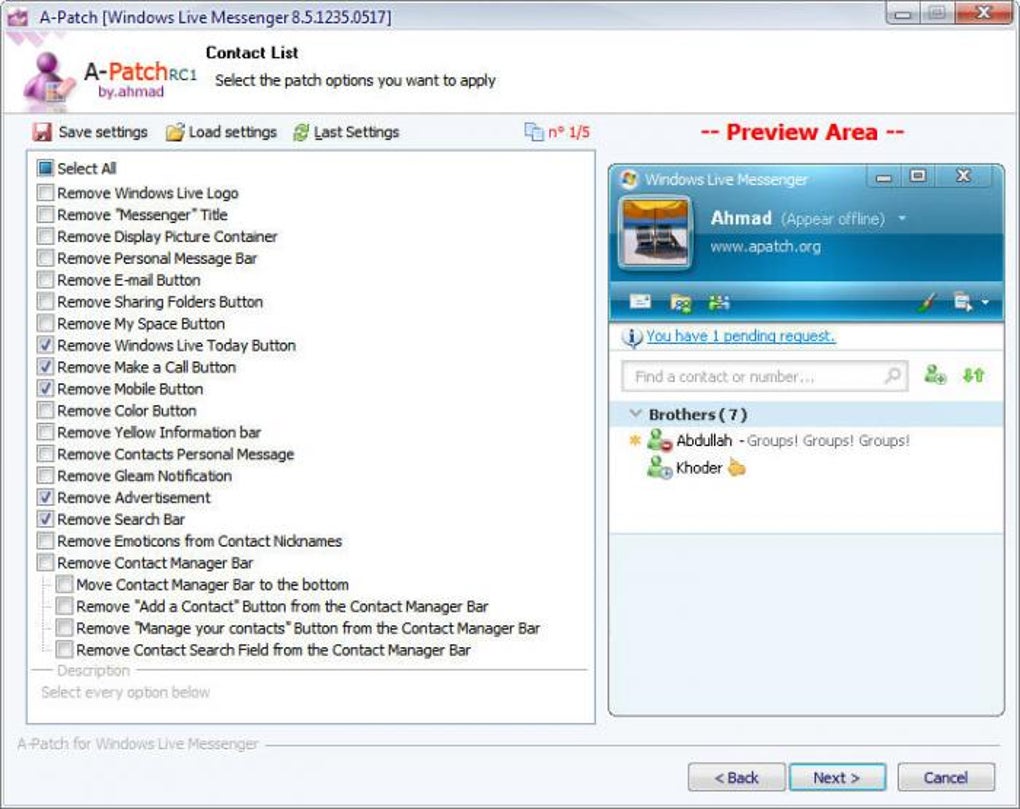
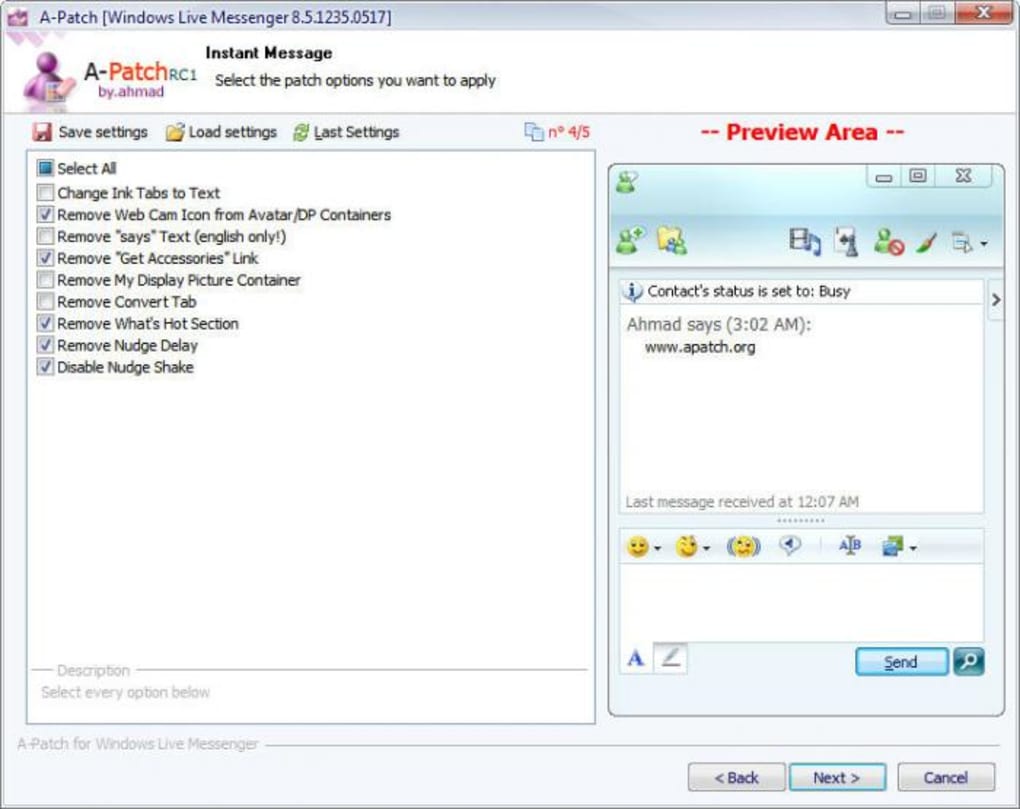
The user interface of A Patch closely mirrors the original Windows Live Messenger 8.5 design, featuring a sidebar for contacts, a chat window, and standard messaging controls. Navigation is straightforward, with menus and icons positioned in familiar locations, reducing the need for user retraining. The workflow follows a linear path: launch the application, sign in with existing credentials, and begin chatting.
This simplicity enhances usability, especially for less tech-savvy users. The patch does not introduce new workflows or complex settings, maintaining the original user experience. Performance observations are based on general software behavior patterns.
The developer did not specify resource usage details. However, given the application’s small size and focus on compatibility, it is expected to operate efficiently with minimal impact on CPU or RAM. Stability is assumed to be consistent with the original client, though no formal testing data was provided.
The application runs as a standalone desktop utility, requiring no background services or internet-dependent processes beyond messaging.
Compatibility & System Requirements
A Patch is designed to run on Windows 7, Windows 8, Windows 10, and Windows 11. This broad compatibility allows users across multiple Windows generations to access the patched version of Windows Live Messenger. The software has a file size of 3.2 MB, indicating a minimal installation footprint.
Exact system requirements were not listed, but the developer did not specify additional hardware or software prerequisites beyond the operating system. The application is distributed as a single executable file, suggesting a portable or simple installer-based deployment. No specific CPU, RAM, or storage recommendations were provided.
Platform compatibility information is limited to the listed operating systems. Users should ensure their system meets basic Windows requirements for running legacy applications. The developer did not provide details on driver or service dependencies.
Pros and Cons
Pros
- Restores a beloved classic messaging interface
- Enables continued use of Windows Live Messenger on modern Windows systems
- Small file size with minimal system impact
- Preserves existing contact lists and chat history
- Free to download and use
Cons
- Does not support new features or modern messaging standards
- Relies on discontinued Microsoft services
- No official support or updates from the developer
- May face connectivity issues over time as backend services are phased out
- Not compatible with macOS or Linux systems
FAQ Section
Is A Patch compatible with Windows 11?
Yes, A Patch supports Windows 11, allowing users to run Windows Live Messenger 8.5 on the latest version of the operating system.
Is the software safe to download and use?
The software is distributed as a standalone executable. While it does not contain known malware, users should download from trusted sources to avoid potential risks.
Does A Patch require an internet connection?
Yes, an active internet connection is required to sign in and send messages, as the application relies on Microsoft’s messaging infrastructure.
Can I use A Patch without updating my Windows system?
Yes, A Patch is designed to work on Windows 7 through Windows 11, including systems that are not updated to the latest patches.
Is there a license or activation required?
No, A Patch is free to use and does not require any license key or activation process.
Final Thoughts + CTA
A Patch offers a practical solution for users who wish to continue using the classic Windows Live Messenger 8.5 interface on modern Windows systems. While it does not introduce new features or enhance functionality, it successfully bridges the gap left by Microsoft’s discontinuation of the service. Its lightweight design, compatibility with multiple Windows versions, and ability to preserve user data make it a valuable tool for nostalgic users and those seeking simplicity.
However, its reliance on outdated infrastructure means long-term viability is uncertain. For individuals who value familiarity and do not require advanced features, A Patch remains a compelling choice. It is not intended for new users or those seeking modern collaboration tools.
The free availability and straightforward setup further enhance its appeal. If you're looking to revive a familiar chat experience, this tool delivers on its core promise.
Download A Patch now







